Healthcare · 32 Dental Pearls Clinic
32 Dental Pearls: finding care and the next step
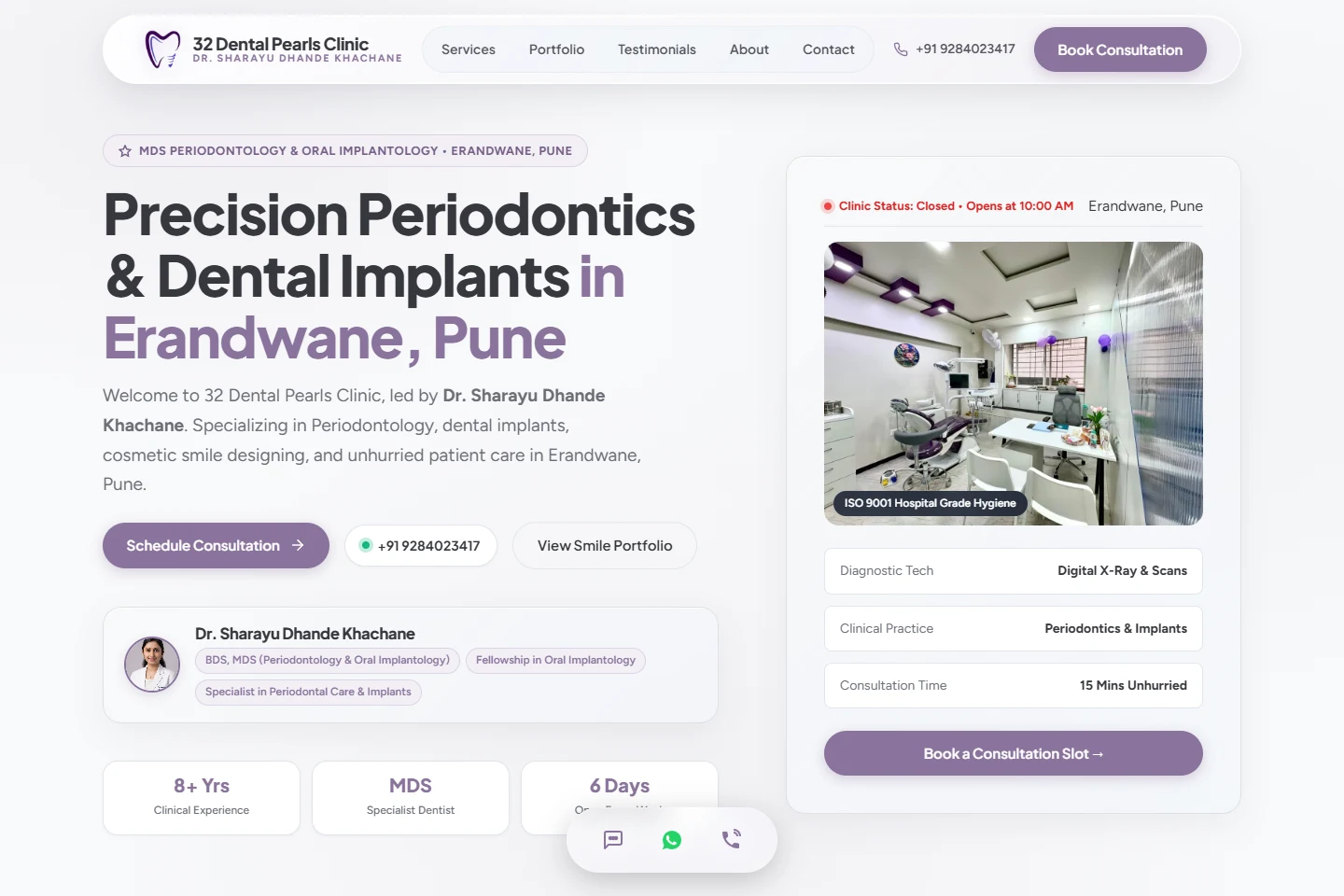
32 Dental Pearls Clinic is a dental practice in Erandwane, Pune. My contribution was website development. This walkthrough focuses on how the website presents the practice and helps a visitor find the next point of contact.
- Project
- 32 Dental Pearls Clinic
- Contribution
- Website development
- Focus
- Treatment information · Practice introduction · Appointment enquiries
Help the visitor get oriented
A clinic visitor may arrive with a treatment in mind or simply need to know who to contact. The website needs to make the practice, the services and the location understandable without asking the visitor to read every section.
The useful website-development task is to connect those pieces. A treatment description, a practitioner introduction and an appointment link should feel like parts of the same journey.
Organise the information before the enquiry
The public site introduces Dr. Sharayu Dhande Khachane and presents services including implants, root canal treatment, gum care and cosmetic dentistry. Service cards carry their own booking links.
The page also provides a practice introduction, clinic photographs and frequently asked questions. These give visitors different ways to explore the practice before choosing to make contact.
- A practitioner introduction identifies the person behind the practice.
- Service descriptions give treatment-specific starting points.
- Clinic photographs and FAQs add context to the practical contact details.
Keep contact connected to the content
Service booking links lead to the contact section. There, a visitor can find the address, opening hours, direct phone number, email and a map link.
The appointment form asks for contact details, a preferred date, a requested service and additional notes. Phone and WhatsApp links provide other ways to reach the practice.
The website role here is to make the next action clear. An appointment request starts a conversation with the clinic; it should be understood as a request rather than a clinical assessment.
The development lesson
A healthcare website benefits from a calm information hierarchy. Use concrete service names, readable descriptions and recognisable contact actions. Keep the address and appointment route easy to find after someone has read a treatment section.
This project demonstrates a connected public information journey: identify the practice, explore relevant information, then reach the clinic. For similar websites, I would review that complete route on a phone as carefully as the first-screen presentation.
- Give different service sections a consistent route to contact.
- Keep location and opening information close to the enquiry.
- Use form labels that explain the information being requested.
Explore the public website
Follow the routes described in this walkthrough. External links open in a new tab.
YOUR NEXT PROJECT
Planning a clinic website?
Start with the treatments patients ask about, the practice information they need, and how your team handles appointment enquiries.